An AI email assistant lets you manage your entire inbox by simply saying what you want, instead of clicking through threads one by one. If your follow-ups keep slipping because there are too many to track, this is the fix.
You ask a question or give an order in plain English, and the work gets done across every conversation. In short, the inbox stops running you, and you start running it.
Why Managing Follow-Ups by Hand Falls Apart
Manual follow-up breaks down for one simple reason. There are too many threads and not enough hours. First, you open one email, read back through it, and try to recall what you promised. Then you repeat that for the next fifty. As a result, a quick pipeline check eats your whole morning.
And the math does not help either. Most deals need five to twelve touches before they close. Yet many reps stop after four, simply because they run out of time. Winnable deals then go quiet, not from a no, but from a follow-up that never happened.
And the cost is bigger than lost time. In fact, companies lose about $1.5 million for every $10 million in revenue when follow-up slips through the cracks. A messy inbox is not just annoying. Instead, it quietly drains real money every quarter. Most of that loss traces back to threads nobody had time to answer.
The Hidden Tax of Clicking Around
Every follow-up is a small chore. First you search for the right thread. Then you re-read it for context. After that you draft, edit, and send. One message can eat ten minutes.
And with a full pipeline, that tax adds up to hours you never get back. It is not only the minutes either. Each switch between threads pulls your head out of selling mode. Worse, getting back into focus can cost more time than the click itself.
What an AI Email Assistant Actually Does
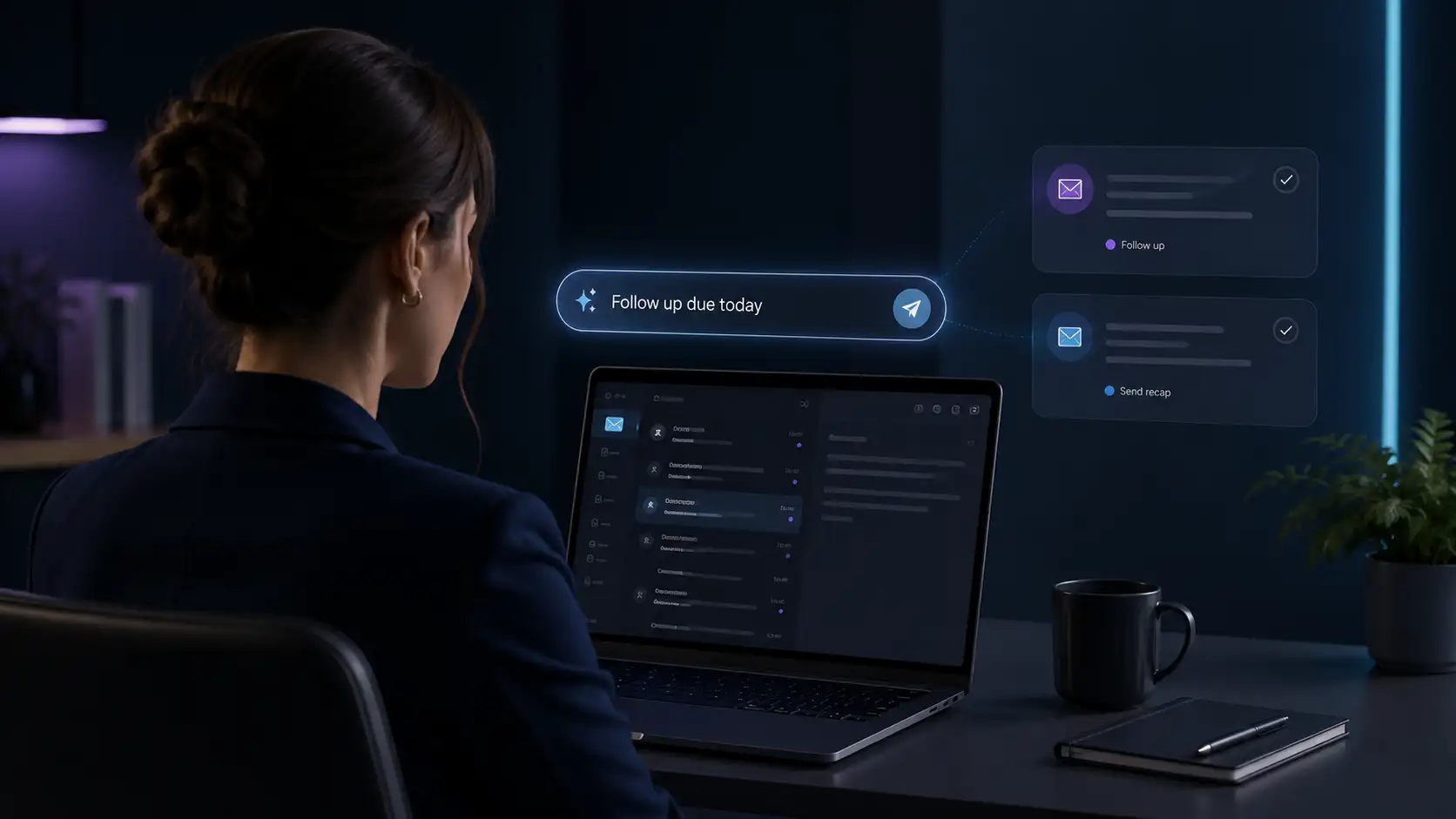
A good AI email assistant flips the whole process. Instead of hunting through your inbox, you just ask. "Follow up on everything due today." "What opportunities are at risk?" "Draft a follow-up for John." In plain language, one request replaces the searching, the clicking, and the copy-paste.
And it also reads from your entire inbox, not one open tab. As a result, it already knows every thread, every promise, and every stalled reply. One sentence can then move ten deals at once. Meanwhile, you stay focused on calls and demos, the work that actually closes business.
Think of it like a sharp teammate who never sleeps. A quick question gets a quick answer. And a quick order gets done right away. Meanwhile, nothing important sits forgotten at the bottom of your inbox.
| Inbox Task in 2026 | Old Way vs Command Way |
|---|---|
| Review your pipeline | Hours of clicking vs one plain-language ask |
| Draft a follow-up | Search and rewrite vs "Draft a follow-up for John" |
| Spot at-risk deals | Manual guesswork vs "What opportunities are at risk?" |
| Pause during a trip | Dropped threads vs "Hold all follow-ups until Monday" |
How an AI Email Assistant Fits Your Day
The best part of an AI email assistant is that there is nothing to learn. No menus, no filters, no rigid commands to memorize. So you type a request the way you would tell a coworker. Ask "what commitments were made this week?" and a clean answer lands in seconds. That low effort is exactly why people actually stick with it, day after day.
And it fits any workflow, not just one. In fact, a solo founder and a full sales team can both use the same plain requests. And you do not change how you work. Instead, the assistant bends to fit your habits. Because it lives inside the inbox you already use, there is nothing new to install or relearn.
A Practical Way to Put This to Work
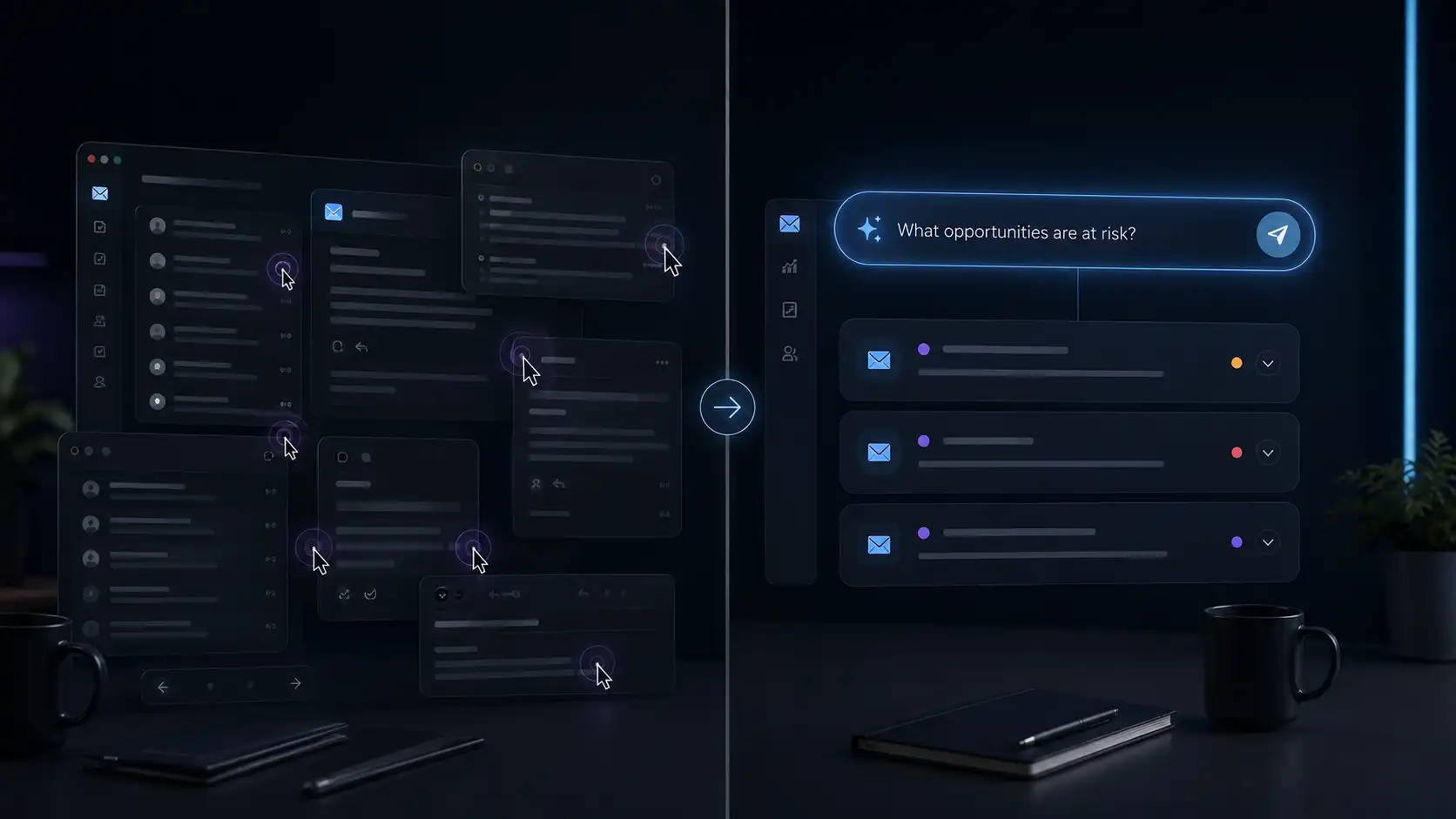
Here is how to apply it without overthinking. Start each morning with one command, like "follow up on everything due today." As a result, that single move clears your daily backlog. Then ask, "what opportunities are at risk?" to catch the deals about to cool. And before a trip, tell it to "hold all follow-ups until Monday," and nothing drops while you are away.
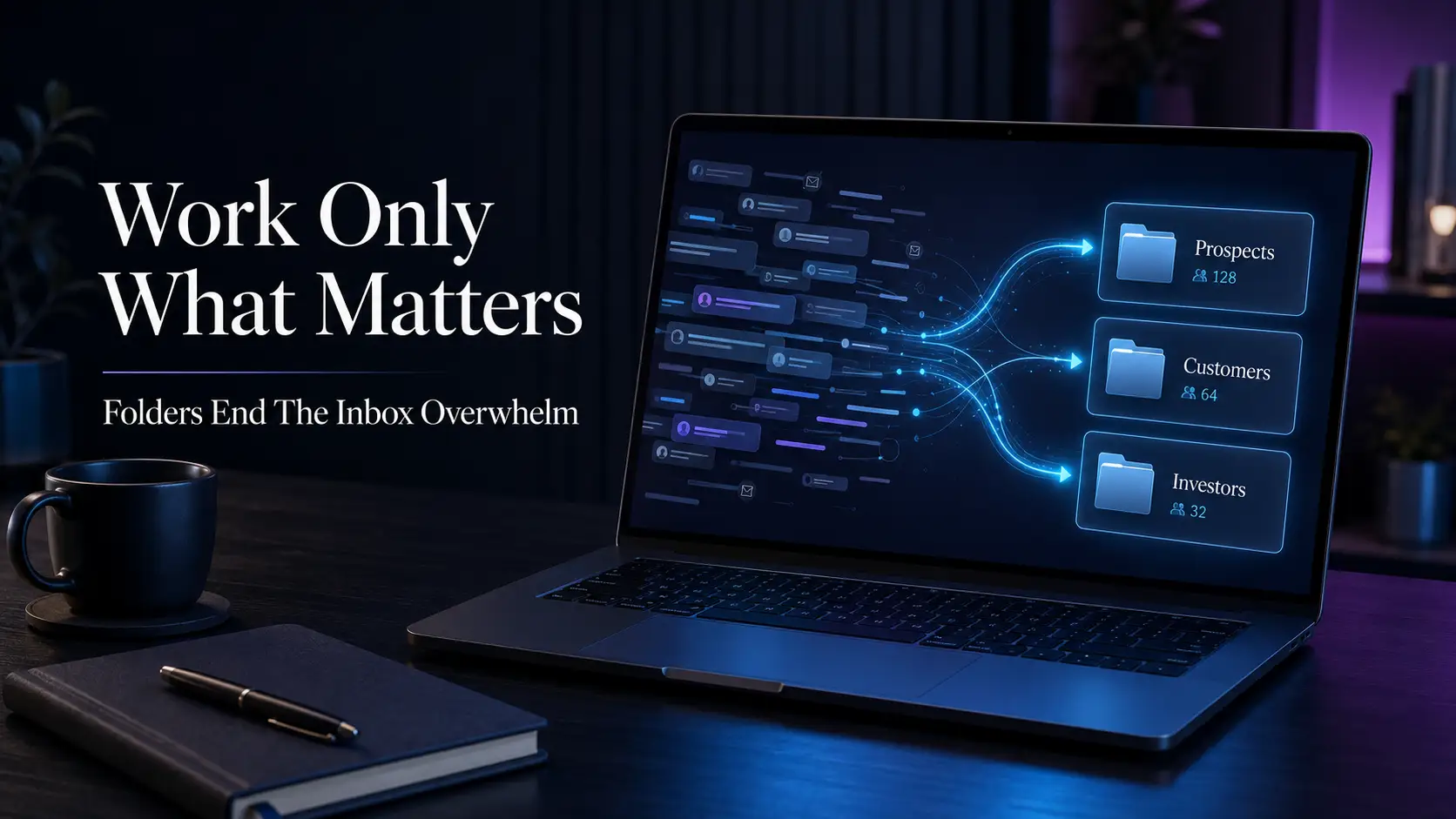
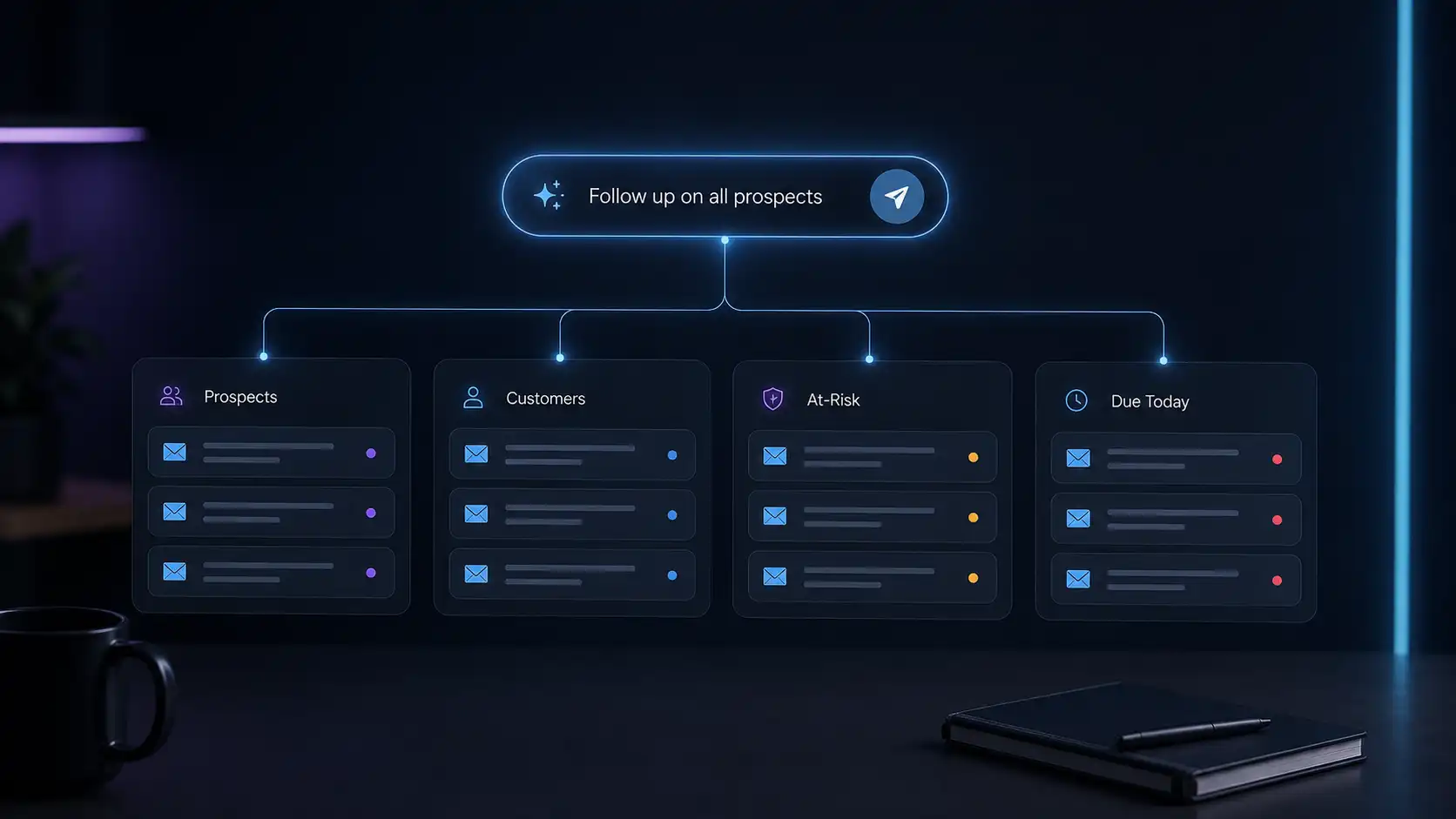
One more tip helps a lot. First, group your inbox, then aim a command at a whole group. And you might tell it to follow up on every prospect at once. Likewise, you can ask which customers are at risk in a single question. A full segment then moves forward without you touching each thread by hand.
This is where a tool like Continuas AI earns its place. It works right inside Gmail or Outlook, reads your whole inbox, and acts on plain-language requests, letting you command a whole folder or your full pipeline with a single instruction. And you keep control the entire time, because high-stakes threads still wait for your review before anything sends.
You Stay in Control
Handing off busywork does not mean losing the wheel. So the assistant acts on your command, then pauses on anything sensitive. High-stakes deals still wait for a human look. And that balance of speed plus control is what makes it safe to trust with a real pipeline.
Conclusion
The problem was never that follow-up does not work. Instead, it is that doing it by hand does not scale. The fix is simple. Stop clicking, and start asking. We built our whole approach around that idea, letting you run your inbox in plain language while you keep the final say.
With Continuas AI, an AI email assistant reads every thread, drafts in your voice, and acts on a single command, and nothing slips while no deal goes quiet. Give it one instruction tomorrow morning, and watch how much of your day comes back to you.